Your Phone, Your Rules.
Read, message, and search on open protocols, with structural privacy built in from the start.
Conversations hosted by people, not platforms.
SocialWeb group chat uses RSS to share encrypted conversations between servers. When someone creates a chat, that conversation lives on their server, or on SocialWeb's managed cloud if they prefer. People who are invited get their own private feed for the chat, and their app uses that feed to receive new messages, photos, and videos in order. When someone replies, their message is sent back to the host server and shared with the rest of the group. It works like normal group chat, but without one central platform owning the conversation by default. The host controls who can join, the messages stay private, and the data lives on the server chosen for that chat.
Search the web without being searched.
When you search from SocialWeb, your query is routed through SocialWeb's main server before it reaches the search provider. The provider sees a request from SocialWeb, not directly from your device, account, or IP address. They see a query; they don't see who sent it, so over time no search profile is built around you. Premium includes 15 proxied searches per day; Premium Plus is unlimited. The rate limit exists because running the proxy has a cost.
Your feed, your rules.
SocialWeb delivers the sources you choose in the order they were published, newest first. No engagement score, no paid placement, and no algorithm deciding what deserves your attention. When you follow an RSS feed, your server saves it, checks it for new posts, and stores the updates in its encrypted database. Each post keeps its original link, whether it leads to an article, a website, or a YouTube video. You choose what comes in, SocialWeb keeps it organized, and when there is nothing new, the feed stops. That is the point.

Organize by topic.
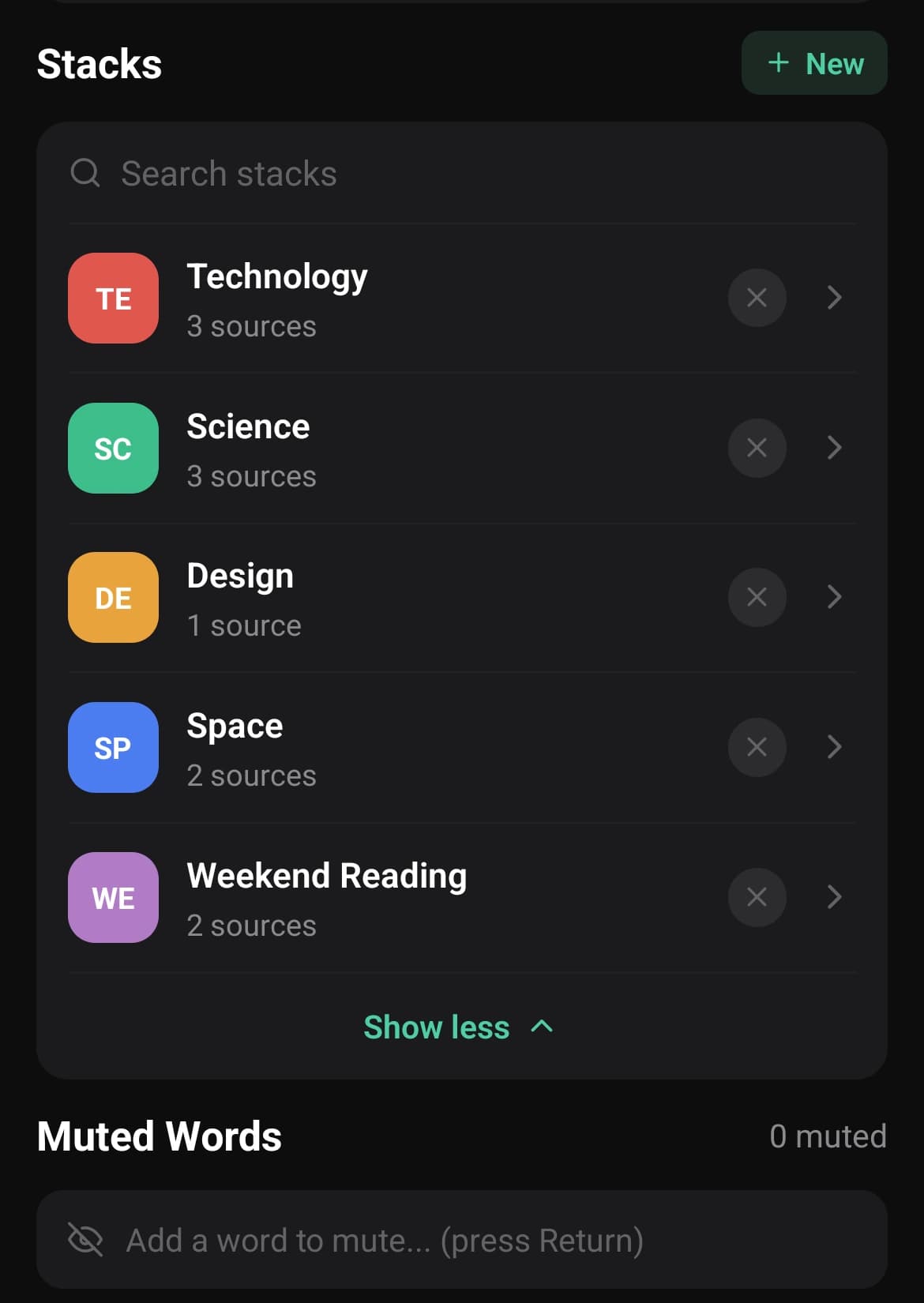
A stack is a named group of subscriptions. You can create one for sports, one for finance, one for your favorite blogs, or anything else you want to keep separate. Your main feed shows everything together, while stacks give you focused views of the same subscriptions. You decide what belongs in each stack. Nothing gets moved, added, or reorganized unless you choose it.
Your server or ours. Same privacy either way.
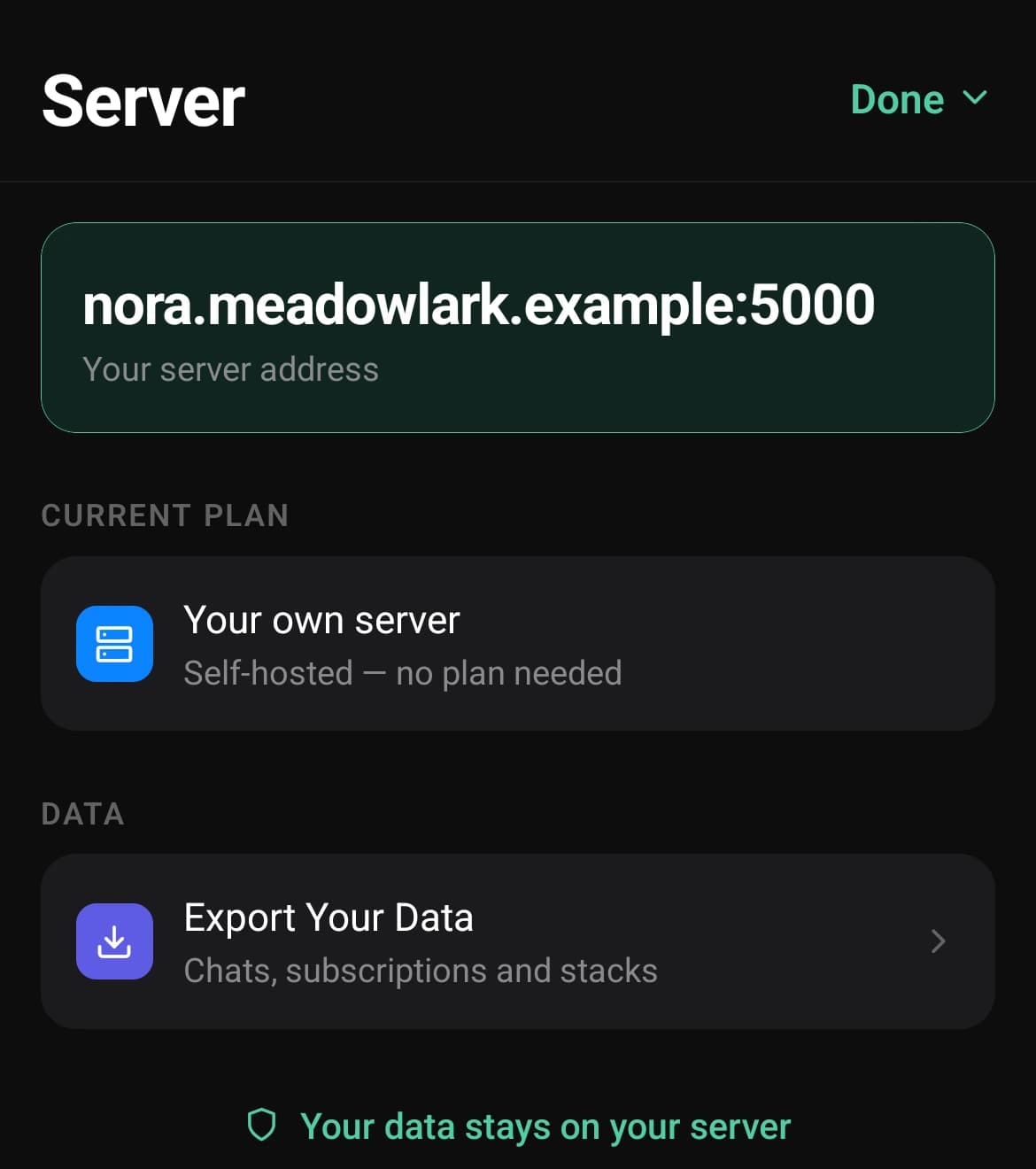
When you first use SocialWeb, you can choose to self-host or use SocialWeb's managed cloud. Self-hosting means your data lives on a server you control. Managed cloud means SocialWeb handles the setup for you, so you get the same privacy benefits without managing the server yourself. Both options use the same open protocol, and you can move between them later. Your data, your choice, and no platform lock-in.
AI you choose to use.
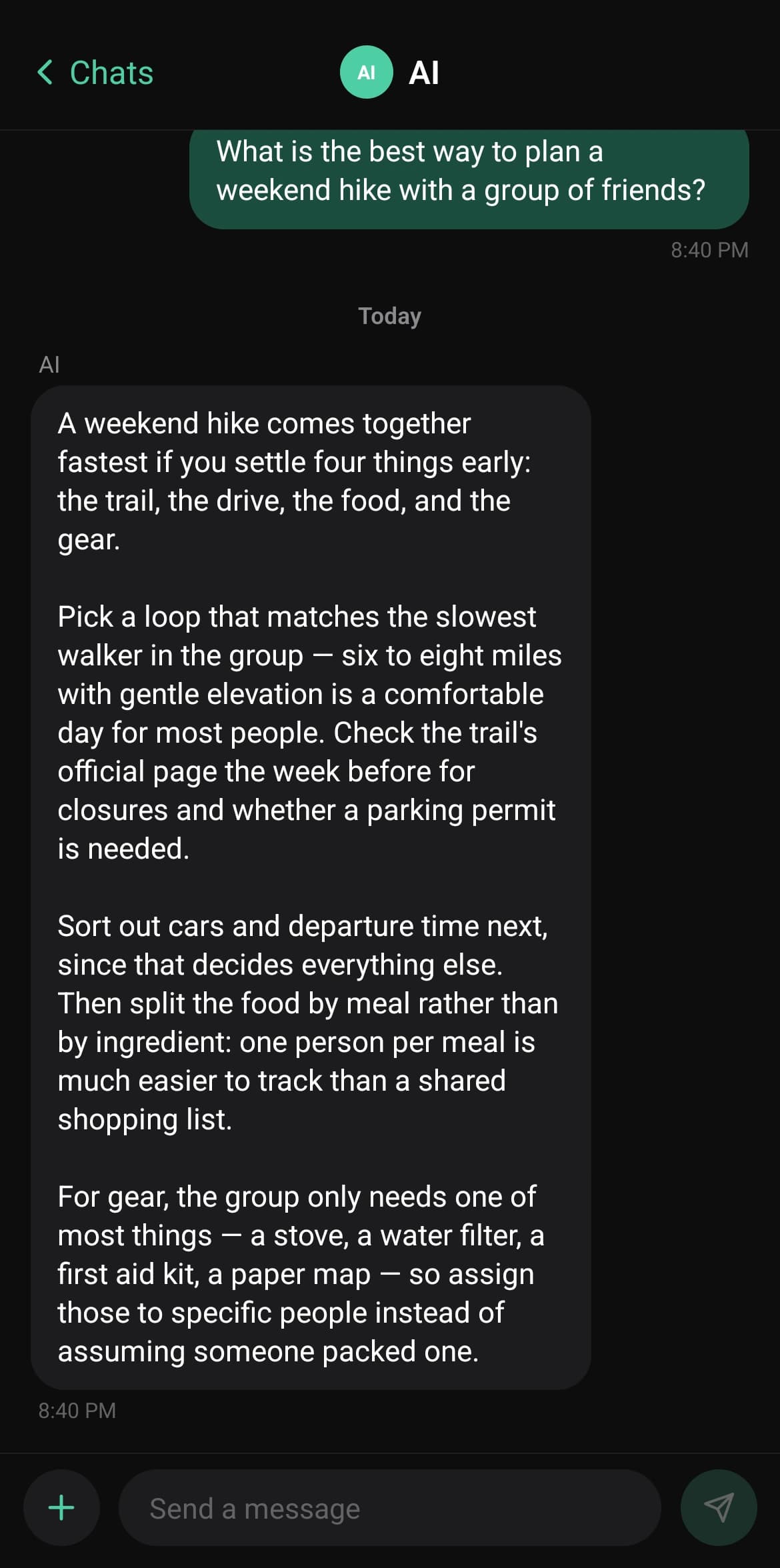
SocialWeb does not use AI on your content unless you turn it on yourself. If you enable it, you can choose between local AI or cloud AI. Local AI runs on your own server, which is available for self-hosted users. Cloud AI runs through Baseten under terms that do not allow your content to be used for model training. Either way, the AI is there to help you, not study you or build a profile around you. You can turn it off at any time, and SocialWeb works fully without it.